
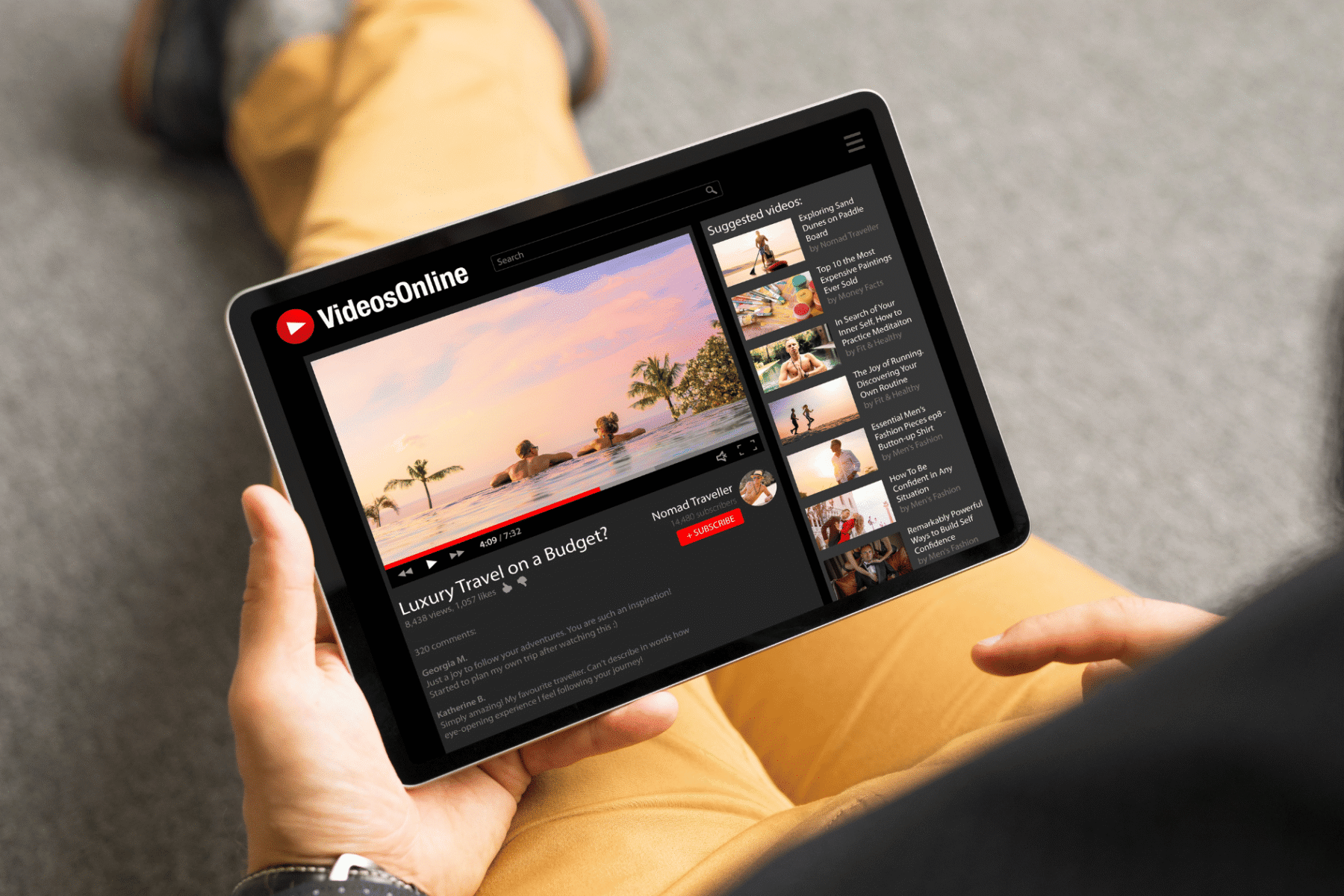
YouTube is not just a video platform. It is the world’s second largest search engine, processing over three billion searches every month. And because Google owns YouTube, videos regularly appear in Google search results alongside blog posts and web pages.
That means a well-optimised video can rank in two places at once. Most businesses ignore this completely. The ones who take YouTube SEO seriously build visibility that text content alone cannot achieve.
This guide covers everything you need to rank your videos on YouTube and Google, from keyword research to video description optimisation to the signals that YouTube’s algorithm actually rewards.
If you are new to the broader discipline, start with what SEO is and why your business needs it before diving into the video-specific layer.
How YouTube’s Ranking Algorithm Works
YouTube ranks videos based on two interconnected goals: relevance and satisfaction. It wants to serve the most relevant video for a given search, and it wants viewers to keep watching after that video ends.
The core signals YouTube’s algorithm uses are:
- Click-through rate (CTR): How often people click your video after seeing it in results
- Watch time: Total minutes viewers spend watching your content
- Audience retention: The percentage of your video that viewers actually finish
- Engagement: Likes, comments, shares, and saves
- Relevance signals: Title, description, tags, transcript, and chapter titles
You control all of these signals, at least partially. Good YouTube SEO means stacking them in your favour before, during, and after you upload.
YouTube Keyword Research: Finding What People Actually Search For
YouTube keywords behave differently from Google search keywords. People search YouTube in a more conversational, how-to, and comparison-focused way. Short informational queries dominate.
Where to Find YouTube Keywords
Start with YouTube’s own autocomplete. Type your topic into YouTube’s search bar and note every suggestion that appears. These are real queries users are typing right now. They are your highest-priority targets.
Other strong sources include:
- YouTube Studio analytics: Shows you what queries already bring traffic to your existing videos
- TubeBuddy or VidIQ: Browser extensions that show search volume and competition scores directly on YouTube
- Google Search Console: Reveals if any of your videos already rank in Google and for what queries
- Competitor channels: Sort a competitor’s videos by Most Popular and note the topics they rank for
The same principles that apply to keyword research for your target audience apply here. Match your keyword choices to actual search intent, not just what sounds logical to you.
Keyword Intent on YouTube
YouTube searches generally fall into three intent categories. Understanding these helps you choose the right format and title structure for each video.
| Intent Type | Example Query | Best Video Format |
|---|---|---|
| How-to / Tutorial | “how to set up Google Search Console” | Step-by-step walkthrough |
| Comparison / Review | “best SEO tools 2026” | Side-by-side breakdown |
| Informational | “what is Core Web Vitals” | Explainer or animated summary |
| Inspiration / Showcase | “website redesign before and after” | Portfolio or case study |
Optimising Your Video Title for YouTube Ranking
Your video title is the single most important on-page signal YouTube uses to understand what your video is about. It also directly drives your click-through rate.
Follow these rules for every title you write:
- Put your primary keyword as close to the front of the title as possible
- Keep titles under 60 characters so they do not get cut off in mobile results
- Add a specific result or number where it fits naturally (“5 Mistakes That Kill Your Rankings”)
- Avoid clickbait. YouTube tracks whether viewers actually watch after clicking. Low retention hurts your ranking
A strong title follows a simple formula: [Keyword] + [Specific Outcome or Hook]. For example: “YouTube SEO: How to Rank Your First Video in 30 Days” is far stronger than “YouTube Tips for Beginners.”
Video Description Optimisation: More Than Just a Summary
YouTube reads your video description to understand context, relevance, and supporting topics. A well-written description improves ranking and drives clicks from users who read before they watch.
How to Structure a Winning Description
The first 150 characters of your description appear before the “Show More” cutoff in YouTube search results. Use this space wisely. Put your primary keyword and the clearest benefit of watching in the very first two sentences.
After that opening, your full description should include:
- A 100 to 200 word natural summary of the video’s content using related keywords
- Timestamps (chapters) for longer videos, which also help YouTube index specific topics
- Links to related content on your website or blog
- A clear call to action (subscribe, visit your site, download a resource)
- Three to five relevant hashtags at the bottom of the description
Video description optimisation is the video equivalent of your page meta description and body copy working together. The same discipline that makes strong on-page SEO work well applies directly to YouTube descriptions.
Tags, Chapters, and Transcripts: The Hidden Ranking SignalsTags
YouTube tags matter less than they used to, but they still serve a purpose. Use your primary keyword as the first tag, followed by close variations and broader category terms. Keep your tag list focused. Adding 30 loosely related tags does not help and can confuse YouTube’s classification of your video.
Chapters
Adding timestamps to create video chapters does two things. It improves the viewer experience, which boosts retention. And it creates additional keyword opportunities that YouTube indexes. Each chapter title can target a sub-topic or related keyword from your research.
Transcripts and Closed Captions
YouTube auto-generates captions for every video. But auto-captions have errors. Uploading your own accurate transcript removes errors and gives YouTube a clean, keyword-rich text file to index against. This is one of the most overlooked video SEO improvements and takes about 15 minutes per video to do properly.
Thumbnails: Your CTR Lever
Your thumbnail is not a ranking signal directly. But it drives click-through rate, and CTR is one of YouTube’s strongest ranking signals. A better thumbnail means more clicks, which means better ranking.
The highest-performing YouTube thumbnails share a few consistent traits:
| Element | Best Practice |
|---|---|
| Face | Human faces with clear expressions consistently outperform text-only thumbnails |
| Contrast | High contrast between subject and background makes thumbnails pop in a crowded feed |
| Text overlay | Three to five words maximum, large enough to read on a mobile screen |
| Colour | Bright, saturated colours outperform muted palettes in YouTube’s feed environment |
| Consistency | A consistent visual style across your channel builds brand recognition and trust |
Think of your thumbnail as the visual equivalent of a meta title and meta description combined. It sets the expectation that drives the click. If your content delivers on that expectation, your retention numbers follow.
Watch Time and Audience Retention: The Signals That Matter Most
YouTube’s primary goal is keeping people on YouTube. That means the platform rewards videos that hold attention. Average percentage viewed (audience retention) and total watch time are the two metrics that matter most for sustained ranking.
How to Improve Retention
Hook your viewer in the first 30 seconds. Do not start with a long intro, your logo animation, or a request to subscribe. Lead with the most valuable or compelling moment. Tell the viewer exactly what they will learn and why they should stay.
Break long videos into clearly signposted sections using chapters. Viewers who know what is coming next are far less likely to drop off mid-video.
End with a strong call to action that connects to another video. YouTube’s end screen and card features let you recommend related content, which extends session time and signals to the algorithm that your channel drives continued watching.
Ranking YouTube Videos on Google Search
Google surfaces video results for specific query types. Understanding which queries trigger video results is an important part of video SEO strategy.
Google tends to show video results for:
- How-to and tutorial queries (“how to fix a 404 error”)
- Product review and comparison searches
- Recipe and craft-based searches
- Music, entertainment, and sports highlights
To appear in Google’s video results, make sure your video page has proper schema markup. YouTube videos already have this by default, but if you embed videos on your own website, add VideoObject schema to the embedding page. This helps Google understand the video’s topic, duration, and thumbnail image.
Adding schema markup to your web pages that embed YouTube content significantly increases the chance of earning a video rich result in Google Search.
You should also embed your YouTube videos in relevant blog posts on your site. An embedded video on a well-ranked blog post earns watch time from organic traffic, which feeds back into YouTube’s ranking signals. It also helps your blog post by increasing time on page, a positive signal for Google’s on-site engagement metrics.
YouTube SEO and Your Broader Digital Strategy
YouTube does not exist in isolation. The most effective video SEO strategies connect YouTube to your website, your blog content, and your social channels to create a reinforcing content loop.
| YouTube Asset | Connect It With |
|---|---|
| Tutorial videos | Embed in related SEO blog posts on the same topic |
| Product/service explainers | Add to service pages to increase dwell time and conversions |
| How-to content | Repurpose into content clusters with the video as the pillar asset |
| FAQ-style videos | Pair with answer engine optimisation tactics to capture AI-driven search |
| Competitor keyword targets | Use alongside a full competitor SEO analysis to identify video gaps |
The brands growing fastest in search right now treat video as part of their content infrastructure, not a separate project. A single video can drive YouTube traffic, rank in Google, boost dwell time on blog posts, and generate social shares simultaneously. That multiplier effect is why video SEO deserves a dedicated place in your digital marketing strategy.
A Quick YouTube SEO Checklist Before You Hit Publish
Run through this list for every video before it goes live:
- Primary keyword appears in the first 60 characters of the title
- First 150 characters of the description include the main keyword and key benefit
- Full description is 200 to 400 words with natural keyword variations
- Timestamps added to create at least three to five chapters
- Custom thumbnail designed at 1280 x 720 pixels with clear text and contrast
- Accurate transcript uploaded as closed captions
- Tags include exact-match keyword, two to three close variations, and one broad category term
- End screen added with a link to a related video or playlist
- Video embedded in a relevant blog post or service page on your website
Final Thoughts
YouTube SEO rewards consistency and intentionality. Every signal, from your title to your thumbnail to your transcript, tells YouTube and Google what your video is about and who it is for.
Most creators upload and hope. The ones who treat each video like a search asset, researching keywords, optimising every field, and connecting it to their broader content strategy, build channels that compound over time.
Start with one video. Apply every tactic in this guide. Measure retention and CTR in YouTube Studio after 30 days. Use that data to refine the next one.
If you want expert help building a content and video SEO strategy for your brand, the team at Kreationhouse is ready to help. Contact us today or explore our full range of digital marketing services to see how we can grow your visibility across search and video.
Frequently Asked Questions
What is YouTube SEO?
YouTube SEO is the process of optimising your videos so they rank higher in YouTube search results and Google video results. It involves keyword research, title optimisation, descriptions, tags, and audience retention signals.
How do YouTube keywords work?
YouTube keywords are the search terms people type into YouTube. You use them in your title, description, tags, and transcript so YouTube’s algorithm can match your video to relevant searches.
How long should a YouTube video description be?
Aim for 200 to 400 words. The first 150 characters are the most important because they appear before the “Show More” cutoff in search results.
Does watch time affect YouTube ranking?
Yes. Watch time is one of YouTube’s strongest ranking signals. Videos that hold viewer attention rank higher and get recommended more often by the algorithm.
Can YouTube videos rank on Google?
Yes. Google surfaces YouTube videos in search results for tutorial, how-to, review, and entertainment queries. Adding VideoObject schema to pages that embed your videos further improves Google visibility.
Do YouTube tags still matter in 2026?
Tags are a minor signal compared to titles, descriptions, and engagement metrics. Use them to include keyword variations but do not rely on them as your primary optimisation tactic.
How important is a custom thumbnail for YouTube SEO?
Thumbnails directly affect click-through rate, which is a major ranking signal. A strong thumbnail that matches viewer expectations also improves audience retention, which compounds ranking benefits.
How often should I upload videos to rank on YouTube?
Consistency matters more than frequency. One well-optimised video per week will outperform three poorly optimised videos. Focus on quality, keyword targeting, and retention before scaling output.