
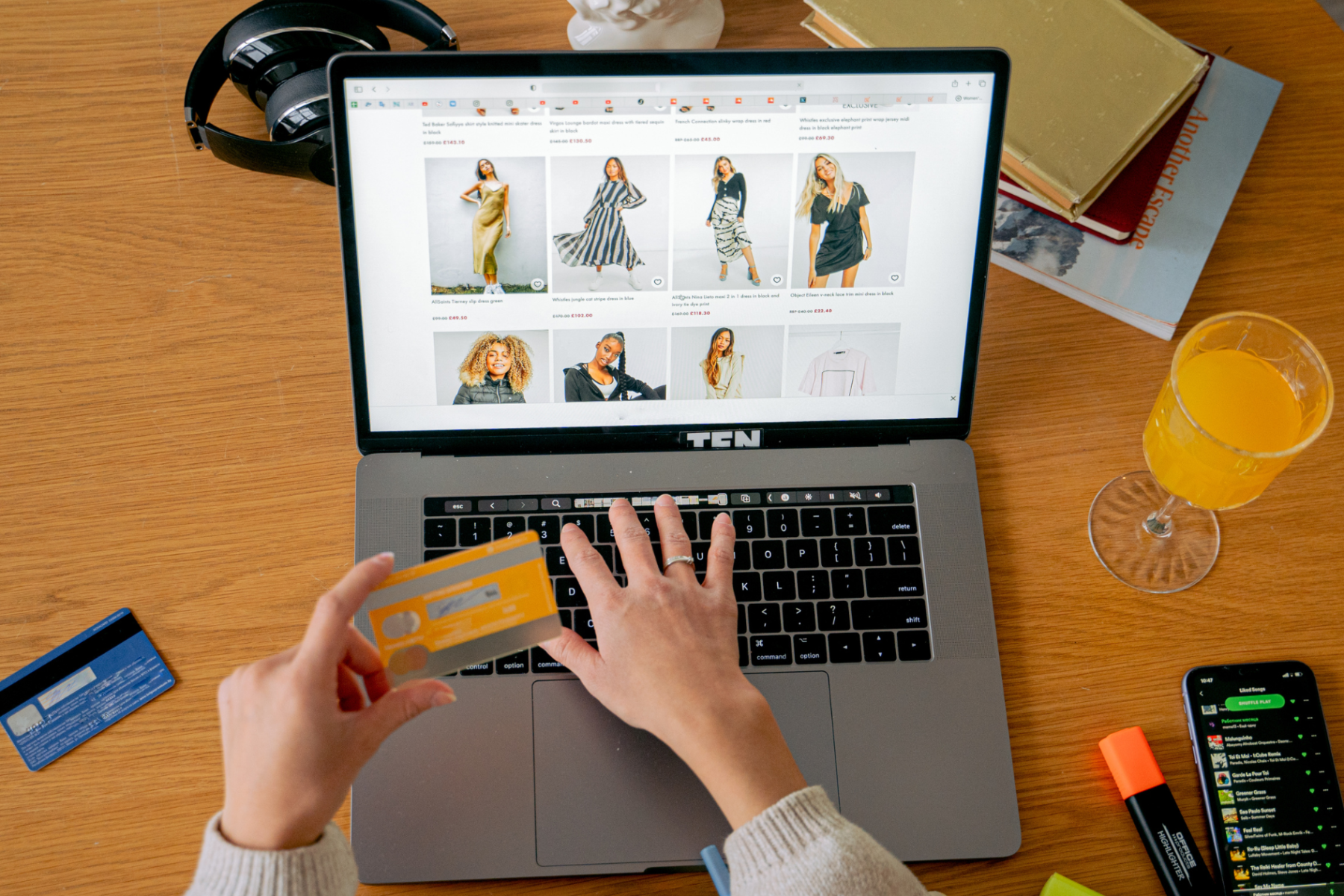
You search for a product on Google. At the top, you see product images with prices. Those are Google Shopping Ads. They are the most powerful advertising format for e-commerce.
Shopping Ads show your products directly in search results. Image, price, store name, all before someone even clicks. People see exactly what you sell and what it costs. This attracts high-intent buyers ready to purchase.
For e-commerce stores, Shopping Ads often outperform regular search ads. They convert better. They cost less per click. They show products visually. Yet many Pakistani online stores do not use them.
This guide shows you exactly how to use Google Shopping Ads. It covers Merchant Center setup. It covers product feeds. It covers campaign creation. It covers optimization to maximize sales.
For Google Ads fundamentals, the Google Ads for beginners guide covers account basics before you launch Shopping campaigns.
What Are Google Shopping Ads
Google Shopping Ads (also called Product Listing Ads) show your products visually in search results. Each ad displays a product image, title, price, and your store name.
When someone searches for a product, Shopping Ads appear at the top of results and in the Shopping tab. Unlike text ads, Shopping Ads are visual. Buyers see the product before clicking.
Shopping Ads vs Search Ads
| Factor | Shopping Ads | Search Ads |
|---|---|---|
| Format | Visual (image, price, title) | Text only |
| Setup | Product feed based | Keyword based |
| Buyer Intent | Very high (sees product and price) | High |
| Click Quality | Higher (pre-qualified by price) | Variable |
| Best For | E-commerce products | Products and services |
Shopping Ads pre-qualify clicks. People see the price before clicking. Those who click already accept the price. This means higher quality traffic and better conversion rates.
Why Shopping Ads Work So Well
Shopping Ads convert exceptionally well for e-commerce. Here is why they outperform other formats.
- Visual appeal: People see the actual product. Images attract more than text
- Price transparency: Buyers see price upfront. Clicks come from people who accept the price
- High intent: Product searches indicate buying intent. Shopping Ads capture ready buyers
- Multiple placements: One product can appear multiple times for different searches
- Prime real estate: Shopping Ads appear at the very top of results
- Comparison friendly: Buyers compare products easily, and good offers stand out
For e-commerce strategy, the e-commerce strategy guide covers how Shopping Ads fit into your overall sales approach.
Setting Up Google Merchant Center
Shopping Ads require Google Merchant Center. This is where your product data lives. Merchant Center connects your products to Google Ads.
Merchant Center Setup Steps
- Create account: Go to Merchant Center and sign up with your business details
- Verify your website: Confirm you own your online store
- Set up shipping: Enter your shipping rates and delivery times
- Set up taxes: Configure tax settings if applicable
- Upload product feed: Add your products with all required details
- Link to Google Ads: Connect Merchant Center to your Google Ads account
Merchant Center is free. Setup takes 1 to 2 hours. Once set up, your products are ready for Shopping campaigns.
Creating Your Product Feed
The product feed is the heart of Shopping Ads. It contains all your product information. Quality feeds drive better performance.
| Feed Attribute | What It Is | Importance |
|---|---|---|
| Product Title | Name of the product | Critical (include keywords buyers search) |
| Product Image | High-quality product photo | Critical (drives clicks) |
| Price | Product price | Critical (must match website) |
| Description | Product details | High (helps relevance) |
| Product Category | Google product category | High (helps targeting) |
| GTIN/Brand | Product identifiers | High (improves matching) |
| Availability | In stock or out of stock | Critical (must be accurate) |
Optimizing Product Titles
Product titles matter enormously. They determine which searches show your products. Include keywords buyers actually search.
Weak title: “Shoes Model X123”
Strong title: “Nike Running Shoes Men Black Leather Size 42”
The strong title includes brand, product type, gender, color, material, and size. It matches many relevant searches. This drives more visibility and clicks.
For keyword insights, the keyword research guide covers finding terms buyers use to search products.
Creating Shopping Campaigns
Once Merchant Center is ready, create Shopping campaigns in Google Ads.
Campaign Setup Steps
- Create new campaign: Choose Shopping campaign type
- Select Merchant Center: Link your product data
- Set budget: Choose daily budget for the campaign
- Set bidding: Choose manual CPC or automated bidding
- Organize products: Create product groups by category, brand, or price
- Launch: Publish and start showing products
Standard vs Performance Max
Google offers Standard Shopping campaigns and Performance Max campaigns. Standard gives more control. Performance Max uses automation across all Google channels.
Beginners can start with Standard Shopping for control. Performance Max works well once you have conversion data and want to scale with automation.
For budget planning, the budget guide covers how to allocate spend for Shopping campaigns.
Structuring Shopping Campaigns
Good structure improves performance. Organize products logically for better control and optimization.
| Structure Method | How It Works | Best For |
|---|---|---|
| By Category | Group products by type (shoes, bags, accessories) | Stores with distinct categories |
| By Brand | Group products by brand | Multi-brand retailers |
| By Price Range | Group by price tiers (budget, mid, premium) | Stores with varied price points |
| By Performance | Separate best-sellers from slow movers | Optimizing budget allocation |
| By Margin | Group by profit margin | Maximizing profitability |
Structure lets you bid differently on different products. Bid more on high-margin bestsellers. Bid less on low-margin items. This optimizes profitability.
Optimizing Shopping Ads for More Sales
Optimize Product Images
Images drive clicks in Shopping Ads. Use high-quality, clear product photos. White backgrounds work well. Show the product clearly. Better images mean more clicks.
Optimize Titles and Descriptions
Include searchable keywords in titles. Add brand, type, color, size, material. Detailed titles match more searches. This increases visibility.
Use Competitive Pricing
Shopping Ads show prices side by side. If your price is much higher than competitors, you lose clicks. Price competitively to win the click.
Add Promotions
Google lets you show special offers and discounts on Shopping Ads. Sale prices attract clicks. Promotions make your products stand out.
Use Negative Keywords
Even Shopping campaigns benefit from negative keywords. Exclude searches that do not fit. This prevents wasted spend on irrelevant clicks.
For match type and negative keyword strategy, the keyword match types guide covers using negatives effectively.
Tracking Shopping Ad Performance
Measure Shopping campaigns to know what works. Track these key metrics.
- Impressions: How often your products appear
- Clicks: How many people click through
- Click-through rate: Clicks divided by impressions
- Conversion rate: Percentage of clicks that buy
- Cost per conversion: Ad spend divided by sales
- Return on ad spend (ROAS): Revenue divided by ad spend
To track sales properly, set up conversion tracking. For setup, the conversion tracking guide covers measuring Shopping campaign sales and ROI.
Shopping Ads for Pakistani E-Commerce
Shopping Ads work well for Pakistani online stores. Here are tips for the local market.
- Accurate PKR pricing: Ensure prices in feed match your website exactly
- Cash on delivery: Mention COD availability where possible. It builds trust
- Clear shipping info: Set accurate shipping rates and delivery times
- Quality product images: Invest in good photography. It drives clicks
- Competitive pricing: Pakistani buyers are price-sensitive. Stay competitive
- Seasonal campaigns: Boost budgets for Ramadan, Eid, and wedding season
For local market strategy, the e-commerce SEO Pakistan guide covers optimizing for Pakistani online shoppers.
Common Shopping Ads Mistakes
- Poor product images: Blurry or low-quality photos hurt clicks. Use professional images
- Weak titles: Generic titles miss searches. Include keywords, brand, attributes
- Price mismatches: Feed price different from website causes disapprovals. Keep them matched
- No campaign structure: All products in one group means no control. Organize logically
- Ignoring negative keywords: Wasted spend on irrelevant searches. Add negatives
- No conversion tracking: Cannot measure ROI. Set up tracking first
- Outdated feed: Out-of-stock items shown as available. Keep feed updated
Keeping Your Feed Healthy
A healthy product feed is essential. Google disapproves products with errors. Disapproved products do not show.
Feed Maintenance Tips
- Update regularly: Keep prices and availability current
- Fix disapprovals: Check Merchant Center for errors and fix them
- Match website: Feed data must match your website exactly
- Use automated updates: Connect your store platform for automatic feed updates
Most e-commerce platforms (Shopify, WooCommerce) offer automatic feed sync. This keeps your feed accurate without manual work.
Final Thoughts
Google Shopping Ads are the most powerful format for e-commerce. They show products visually, attract high-intent buyers, and convert exceptionally well.
Set up Merchant Center. Create a quality product feed with optimized titles and images. Structure campaigns logically. Price competitively. Track conversions and ROAS.
For Pakistani online stores, Shopping Ads offer a major opportunity. Many competitors do not use them well. A well-optimized Shopping campaign can drive significant sales at strong ROI.
If you need professional help setting up and optimizing Shopping campaigns, the Kreationhouse team offers Google Shopping Ads management and e-commerce marketing. Contact us today to boost your online store sales.
Frequently Asked Questions
What do I need to run Google Shopping Ads? You need a Google Merchant Center account, a product feed, a linked Google Ads account, and an e-commerce website. Merchant Center holds your products. Google Ads runs the campaigns. Both are free to set up.
How much do Shopping Ads cost? You pay per click, like other Google Ads. In Pakistan, Shopping Ad clicks often cost PKR 15-60. Cost varies by product and competition. Shopping Ads often have lower cost per click than search ads.
What is Google Merchant Center? Merchant Center is where your product data lives. It stores your product feed with images, prices, and details. It connects to Google Ads to power Shopping campaigns. It is free to use.
Why are my products disapproved? Common reasons: price mismatch between feed and website, missing required attributes, poor image quality, or policy violations. Check Merchant Center for specific errors and fix them to get products approved.
Do Shopping Ads use keywords? Not directly. Shopping Ads use your product feed data instead of keywords. Google matches searches to products based on titles, descriptions, and categories. Optimize titles with keywords buyers search.
Should I use Standard Shopping or Performance Max? Beginners should start with Standard Shopping for control. Performance Max uses automation across all Google channels and works well once you have conversion data and want to scale efficiently.
How do I improve my Shopping Ads performance? Optimize product titles with keywords, use high-quality images, price competitively, structure campaigns logically, add negative keywords, and keep your feed accurate. Track conversions and adjust based on data.
Can small stores use Shopping Ads? Yes. Shopping Ads work for stores of any size. Start with a small budget (PKR 1,000-3,000 daily). Focus on your best products. Scale as you see profitable results. Small stores compete well with good optimization.