
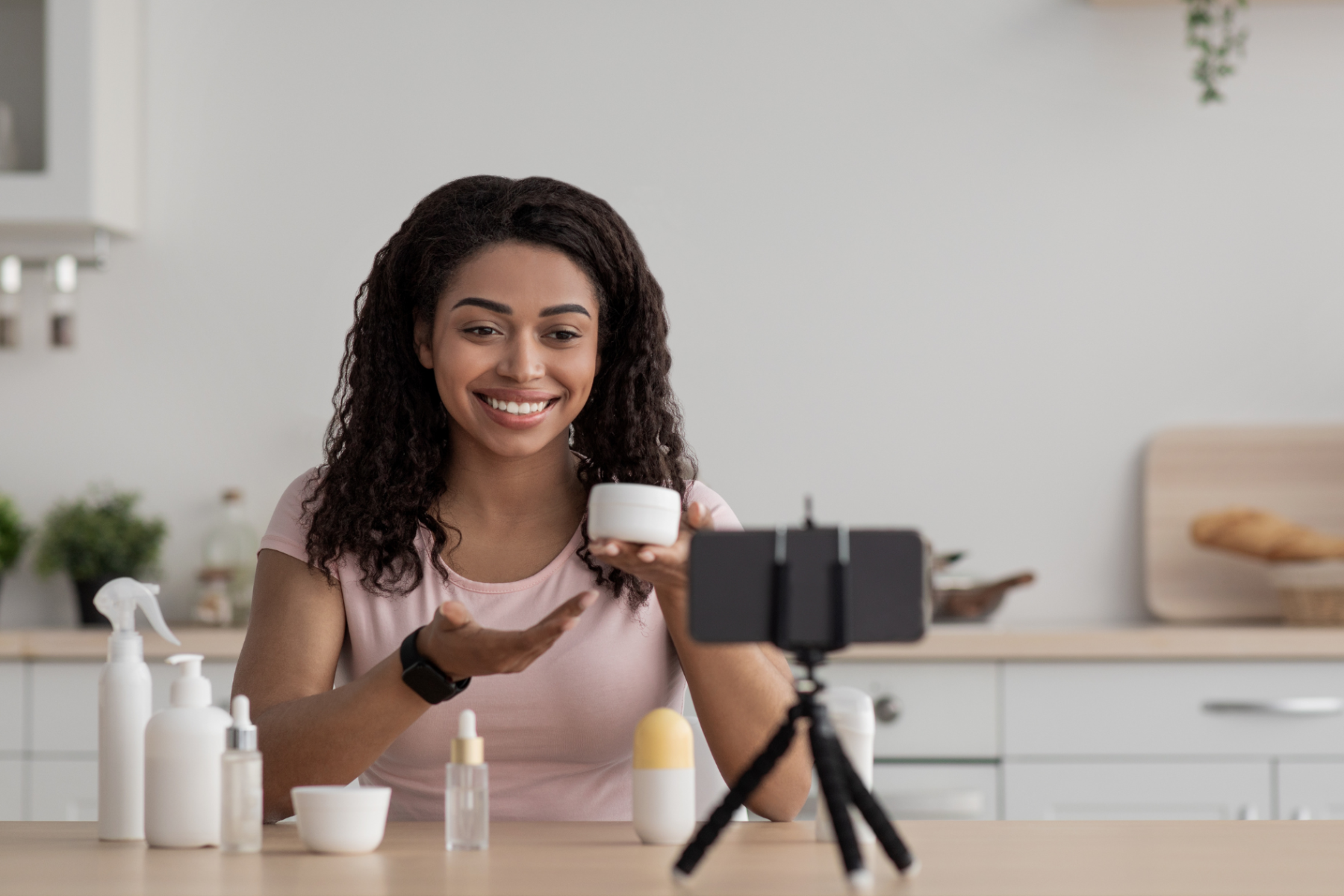
Video stops the scroll. It grabs attention faster than static images. It tells a story in seconds. On Facebook and Instagram, video ads consistently outperform static ads for engagement and often for conversions.
But many businesses avoid video ads. They think it needs a big budget or a production team. This is not true anymore. Simple, well-made videos often outperform expensive, polished ones.
This guide covers everything beginners need to start with video ads on Facebook and Instagram. It covers formats, length, creative tips, and setup. No production experience required.
For Meta advertising fundamentals, the Facebook ad campaign setup guide covers the account basics before diving into video specifically.
Why Video Ads Work
- Higher engagement: Video naturally attracts more attention than static images
- Tells more in less time: Motion and sound convey information faster than text
- Builds trust: Seeing a product or service in action feels more real
- Works across placements: Feed, Stories, Reels, all favor video content
- Better algorithm favor: Meta often rewards video with lower costs
For the algorithm and audience both, video content performs strongly right now. This makes it worth learning even for beginners.
Video Ad Placements and Formats
| Placement | Format | Ideal Length |
|---|---|---|
| Facebook Feed | Square or landscape | 15 to 30 seconds |
| Instagram Feed | Square or vertical | 15 to 30 seconds |
| Stories (FB and IG) | Full vertical (9:16) | 5 to 15 seconds |
| Reels | Full vertical (9:16) | 15 to 30 seconds |
| In-Stream | Landscape | 5 to 15 seconds |
Vertical video works best for Stories and Reels. Square or landscape works for feed placements. Creating multiple versions for different placements improves overall performance.
For short-form video creation tips, the short-form video guide covers producing Reels and Stories content that also works well as ads.
Choosing the Right Video Length
| Goal | Recommended Length | Why |
|---|---|---|
| Brand awareness | 6 to 15 seconds | Quick, memorable impression |
| Product demonstration | 15 to 30 seconds | Time to show features and benefits |
| Storytelling or testimonial | 30 to 60 seconds | More context and emotional connection |
| Retargeting audiences | 15 to 30 seconds | Warm audience already knows you |
Shorter is usually safer. Most people scroll fast. Capture attention in the first 3 seconds or you lose them regardless of total length.
The Critical First 3 Seconds
Most viewers decide whether to keep watching within 3 seconds. This is the single most important part of your video ad.
How to Hook Attention Fast
- Start with movement: Static opening shots lose attention. Start with action
- Lead with the benefit: Show the payoff early, not build-up first
- Use bold visuals: Bright colors and clear focal points stop scrolling
- Ask a question: Curiosity keeps people watching to find the answer
- Show the product immediately: Do not delay revealing what you sell
Design your first 3 seconds like a headline. It must earn the rest of the watch time. For similar attention-grabbing principles in text, the ad copywriting guide covers writing hooks that apply to video openings too.
Designing for Sound Off
Most people watch social videos with sound off, especially in feed. Your video must work without audio.
Sound-Off Best Practices
- Add captions: Always include text captions for key messages
- Use visual storytelling: Let images and text carry the message
- Include text overlays: Highlight key points with on-screen text
- Design for silent scrolling: Assume no one hears your audio
Captions are not optional anymore. They ensure your message lands whether or not someone has sound on. Most platforms offer auto-captioning tools to speed this up.
Vertical vs Horizontal Video
| Format | Best For | Screen Fill |
|---|---|---|
| Vertical (9:16) | Stories, Reels, mobile-first content | Full screen on mobile |
| Square (1:1) | Feed placements | Good mobile and desktop balance |
| Landscape (16:9) | In-stream, desktop viewing | Smaller on mobile feed |
Vertical video fills the screen and feels native on mobile, where most Pakistani users browse. When possible, shoot vertically first and adapt for other formats.
Creating Video Ads Without a Production Team
Simple Video Creation Options
- Smartphone filming: Modern phones shoot excellent quality video
- Screen recordings: For apps, websites, or digital products
- Slideshow videos: Turn images into video using simple editing apps
- User-generated content: Repurpose customer videos and reviews
- Template-based tools: Apps like CapCut offer easy video templates
You do not need expensive equipment. Natural light, a clean background, and a steady phone often produce ads that perform as well as professional productions.
For efficient content creation, the content batching guide covers producing multiple video ads efficiently in one session.
Structuring Your Video Ad
The Basic Video Ad Flow
- Hook (0 to 3 seconds): Grab attention immediately
- Problem or desire (3 to 8 seconds): Connect with what viewers want or struggle with
- Solution (8 to 20 seconds): Show your product or service as the answer
- Proof (20 to 25 seconds): Brief social proof or credibility
- Call-to-action (25 to 30 seconds): Clear next step
This structure works for most product and service ads. Adjust timing based on your total video length, but keep the sequence logical.
Writing Video Ad Copy
Video ads still need supporting text: headline, primary text, and description. This copy works alongside your video to drive action.
| Element | Purpose | Tip |
|---|---|---|
| Primary Text | Appears above video | Hook in first line, details after |
| Headline | Bold statement below video | Clear benefit or offer |
| Call-to-Action Button | Drives the click | Match to your goal (Shop Now, Learn More) |
Copy and video work together. Do not repeat the exact video content in text. Use copy to add context, urgency, or details the video cannot show.
Setting Up a Video Ad Campaign
Step 1: Choose Your Objective
Select an objective matching your goal: awareness, traffic, engagement, leads, or sales. This shapes how Meta delivers your video.
Step 2: Upload Your Video
Upload your video file directly in Ads Manager. Ensure it meets format and length specifications for your chosen placements.
Step 3: Add Text and CTA
Write primary text, headline, and choose a call-to-action button that matches your goal.
Step 4: Select Placements
Choose automatic placements for broad reach, or select specific placements if you have platform-optimized video versions.
Step 5: Set Targeting and Budget
Define your audience and budget. For targeting guidance, the audience targeting guide covers building the right audience for your video campaign.
Measuring Video Ad Performance
| Metric | What It Shows |
|---|---|
| Thruplay Rate | Percentage who watched 15 seconds or completed |
| Video Retention | Where viewers drop off during the video |
| Cost Per Thruplay | Cost efficiency of engaged views |
| Click-Through Rate | How many click after watching |
| Conversion Rate | How many complete your goal action |
Retention data is especially valuable. If most people drop off at a specific point, that section needs improvement. Use this feedback to refine future videos.
For deeper measurement, the analytics guide covers tracking video performance alongside your other campaigns.
Testing Video Ad Variations
Do not rely on one video. Test different hooks, lengths, and styles to find what resonates with your audience.
For systematic testing, the A/B testing guide covers comparing video variations to identify top performers.
Video ads also fatigue like any creative. Refresh regularly to maintain performance. The ad fatigue guide covers recognizing when your video needs replacing.
Common Video Ad Mistakes
- Slow opening: Losing viewers before the message even starts. Hook immediately
- No captions: Missing viewers who watch without sound. Always caption
- Wrong aspect ratio: Horizontal video in vertical placements looks poor. Match format to placement
- Too long: Losing attention before the call-to-action. Keep it tight
- No clear CTA: Viewers do not know what to do next. Always end with action
- Ignoring retention data: Missing where viewers drop off. Review and improve
- Using only one video: Missing better-performing variations. Test multiple versions
Final Thoughts
Video ads on Facebook and Instagram do not require big budgets or production teams. A smartphone, good lighting, and a clear message can perform exceptionally well.
Hook attention in the first 3 seconds. Design for sound off with captions. Choose the right format and length for each placement. Structure your video with a clear flow toward the call-to-action.
Test multiple variations. Track retention data to keep improving. Refresh creative regularly to avoid fatigue. Video ads reward businesses that experiment and iterate consistently.
Start simple. Even basic video often outperforms polished static images. The key is starting and learning from real performance data.
If you need professional help creating and managing video ad campaigns, the Kreationhouse team offers video ad production and campaign management services. Contact us today to bring video advertising to your business.
Frequently Asked Questions
Do I need professional equipment for video ads? No. A modern smartphone with good lighting often produces videos that perform just as well as professionally produced ones. Simple, authentic content frequently outperforms overly polished videos.
How long should my video ad be? It depends on your goal. Brand awareness works well at 6 to 15 seconds. Product demos need 15 to 30 seconds. Keep it as short as possible while still delivering your message clearly.
Should I use vertical or horizontal video? Vertical (9:16) works best for Stories and Reels, filling the mobile screen. Square works well for feed. Since most users browse on mobile, vertical video often performs best overall.
Do I need captions on my video ads? Yes, always. Most people watch social videos with sound off. Captions ensure your message reaches everyone, whether or not they have sound enabled. Most platforms offer auto-captioning tools.
What is the most important part of a video ad? The first 3 seconds. Most viewers decide whether to keep watching almost immediately. Start with action, a bold visual, or the key benefit to hook attention before you lose the viewer.
What is thruplay rate? Thruplay rate measures the percentage of people who watched at least 15 seconds or completed your video. It shows how engaging your video is beyond just the initial view or impression.
Can I use the same video for Facebook and Instagram? Yes, but adapt the format for each placement. Vertical works for Stories and Reels on both platforms. Square or landscape works for feed. Creating multiple versions improves overall performance.
How often should I refresh my video ads? Depends on audience size and budget, but generally every 1 to 4 weeks. Video ads fatigue like any creative. Watch frequency and engagement trends, and refresh before performance drops significantly.